Ursa is a UI library for building cross-platform UIs with Avalonia UI.
## How to use
1. Ursa
Add nuget package:
```bash
dotnet add package Irihi.Ursa --version 0.1.0-beta20230702
```
You can now use Ursa controls in your Avalonia Application.
```xaml
```
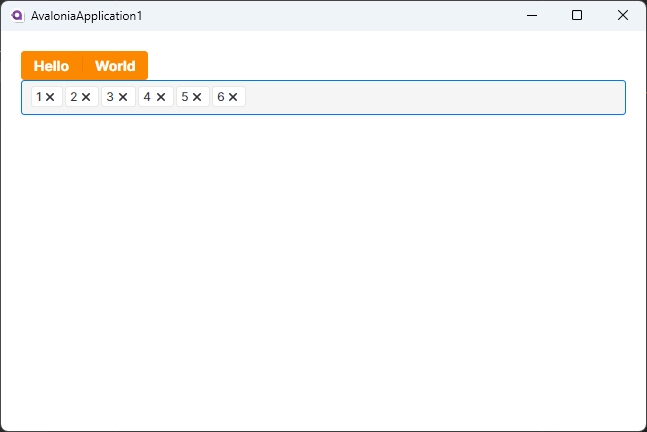
2. Ursa.Themes.Semi
To make Ursa controls show up in your application, you need to reference to a theme package designed for Ursa.
Ursa.Themes.Semi is a theme package for Ursa inspired by Semi Design. You can add it to your project by following steps.
Add nuget package:
```bash
dotnet add package Semi.Avalonia --version 11.0.0-rc1
dotnet add package Irihi.Ursa.Themes.Semi --version 0.1.0-beta20230702
```
Include Styles in application:
```xaml
```