 9ad0f3f91e
Add full Amp CLI support to enable routing AI model requests through the proxy
while maintaining Amp-specific features like thread management, user info, and
telemetry. Includes complete documentation and pull bot configuration.

Features:
- Modular architecture with RouteModule interface for clean integration
- Reverse proxy for Amp management routes (thread/user/meta/ads/telemetry)
- Provider-specific route aliases (/api/provider/{provider}/*)
- Secret management with precedence: config > env > file
- 5-minute secret caching to reduce file I/O
- Automatic gzip decompression for responses
- Proper connection cleanup to prevent leaks
- Localhost-only restriction for management routes (configurable)
- CORS protection for management endpoints

Documentation:
- Complete setup guide (USING_WITH_FACTORY_AND_AMP.md)
- OAuth setup for OpenAI (ChatGPT Plus/Pro) and Anthropic (Claude Pro/Max)
- Factory CLI config examples with all model variants
- Amp CLI/IDE configuration examples
- tmux setup for remote server deployment
- Screenshots and diagrams

Configuration:
- Pull bot disabled for this repo (manual rebase workflow)
- Config fields: AmpUpstreamURL, AmpUpstreamAPIKey, AmpRestrictManagementToLocalhost
- Compatible with upstream DisableCooling and other features

Technical details:
- internal/api/modules/amp/: Complete Amp routing module
- sdk/api/httpx/: HTTP utilities for gzip/transport
- 94.6% test coverage with 34 comprehensive test cases
- Clean integration minimizes merge conflict risk

Security:
- Management routes restricted to localhost by default
- Configurable via amp-restrict-management-to-localhost
- Prevents drive-by browser attacks on user data

This provides a production-ready foundation for Amp CLI integration while
maintaining clean separation from upstream code for easy rebasing.

Amp-Thread-ID: https://ampcode.com/threads/T-9e2befc5-f969-41c6-890c-5b779d58cf18
5.3 KiB
CLI Proxy API
🔔 Important: Amp CLI Support Fork
This is a specialized fork of router-for-me/CLIProxyAPI that adds support for the Amp CLI tool.
Why This Fork Exists
The Amp CLI requires custom routing patterns to function properly. The upstream CLIProxyAPI project maintainers opted not to merge Amp-specific routing support into the main codebase.
Which Version Should You Use?
- Use this fork if you want to run both Factory CLI and Amp CLI with the same proxy server
- Use upstream (router-for-me/CLIProxyAPI) if you only need Factory CLI support
📖 Complete Setup Guide
→ USING_WITH_FACTORY_AND_AMP.md - Comprehensive guide for using this proxy with both Factory CLI (Droid) and Amp CLI and IDE extensions, including OAuth setup, configuration examples, and troubleshooting.
Key Differences
This fork includes:
- ✅ Amp CLI route aliases (
/api/provider/{provider}/v1...) - ✅ Amp upstream proxy support for OAuth and management routes
- ✅ Automatic gzip decompression for Amp upstream responses
- ✅ Smart secret management with precedence: config > env > file
- ✅ All Factory CLI features from upstream (fully compatible)
All Amp-specific code is isolated in the internal/api/modules/amp module, making it easy to sync upstream changes with minimal conflicts.
English | 中文
A proxy server that provides OpenAI/Gemini/Claude/Codex compatible API interfaces for CLI.
It now also supports OpenAI Codex (GPT models) and Claude Code via OAuth.
So you can use local or multi-account CLI access with OpenAI(include Responses)/Gemini/Claude-compatible clients and SDKs.
Sponsor
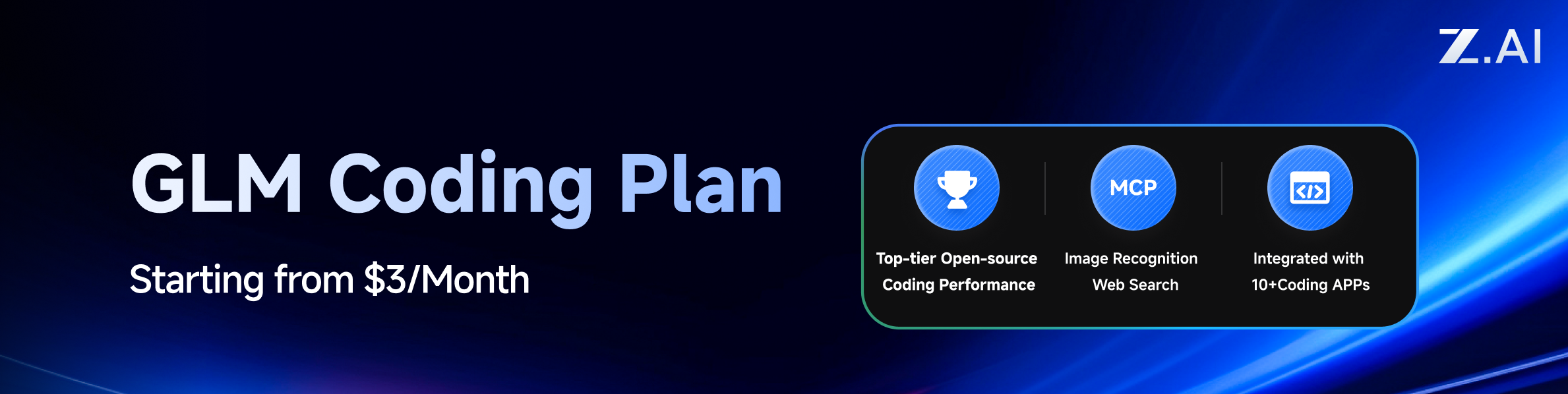
This project is sponsored by Z.ai, supporting us with their GLM CODING PLAN.
GLM CODING PLAN is a subscription service designed for AI coding, starting at just $3/month. It provides access to their flagship GLM-4.6 model across 10+ popular AI coding tools (Claude Code, Cline, Roo Code, etc.), offering developers top-tier, fast, and stable coding experiences.
Get 10% OFF GLM CODING PLAN:https://z.ai/subscribe?ic=8JVLJQFSKB
Overview
- OpenAI/Gemini/Claude compatible API endpoints for CLI models
- OpenAI Codex support (GPT models) via OAuth login
- Claude Code support via OAuth login
- Qwen Code support via OAuth login
- iFlow support via OAuth login
- Streaming and non-streaming responses
- Function calling/tools support
- Multimodal input support (text and images)
- Multiple accounts with round-robin load balancing (Gemini, OpenAI, Claude, Qwen and iFlow)
- Simple CLI authentication flows (Gemini, OpenAI, Claude, Qwen and iFlow)
- Generative Language API Key support
- AI Studio Build multi-account load balancing
- Gemini CLI multi-account load balancing
- Claude Code multi-account load balancing
- Qwen Code multi-account load balancing
- iFlow multi-account load balancing
- OpenAI Codex multi-account load balancing
- OpenAI-compatible upstream providers via config (e.g., OpenRouter)
- Reusable Go SDK for embedding the proxy (see
docs/sdk-usage.md)
Fork-Specific: Amp CLI Support 🔥
- Full Amp CLI integration via provider route aliases (
/api/provider/{provider}/v1...) - Amp upstream proxy for OAuth authentication and management routes
- Smart secret management with configurable precedence (config > env > file)
- Automatic gzip decompression for Amp upstream responses
- 5-minute secret caching to reduce file I/O overhead
- Zero conflict with Factory CLI - use both tools simultaneously
- Modular architecture for easy upstream sync (90% reduction in merge conflicts)
Getting Started
CLIProxyAPI Guides: https://help.router-for.me/
Management API
SDK Docs
- Usage: docs/sdk-usage.md
- Advanced (executors & translators): docs/sdk-advanced.md
- Access: docs/sdk-access.md
- Watcher: docs/sdk-watcher.md
- Custom Provider Example:
examples/custom-provider
Contributing
Contributions are welcome! Please feel free to submit a Pull Request.
- Fork the repository
- Create your feature branch (
git checkout -b feature/amazing-feature) - Commit your changes (
git commit -m 'Add some amazing feature') - Push to the branch (
git push origin feature/amazing-feature) - Open a Pull Request
Who is with us?
Those projects are based on CLIProxyAPI:
vibeproxy
Native macOS menu bar app to use your Claude Code & ChatGPT subscriptions with AI coding tools - no API keys needed
Subtitle Translator
Browser-based tool to translate SRT subtitles using your Gemini subscription via CLIProxyAPI with automatic validation/error correction - no API keys needed
Note
If you developed a project based on CLIProxyAPI, please open a PR to add it to this list.
License
This project is licensed under the MIT License - see the LICENSE file for details.